
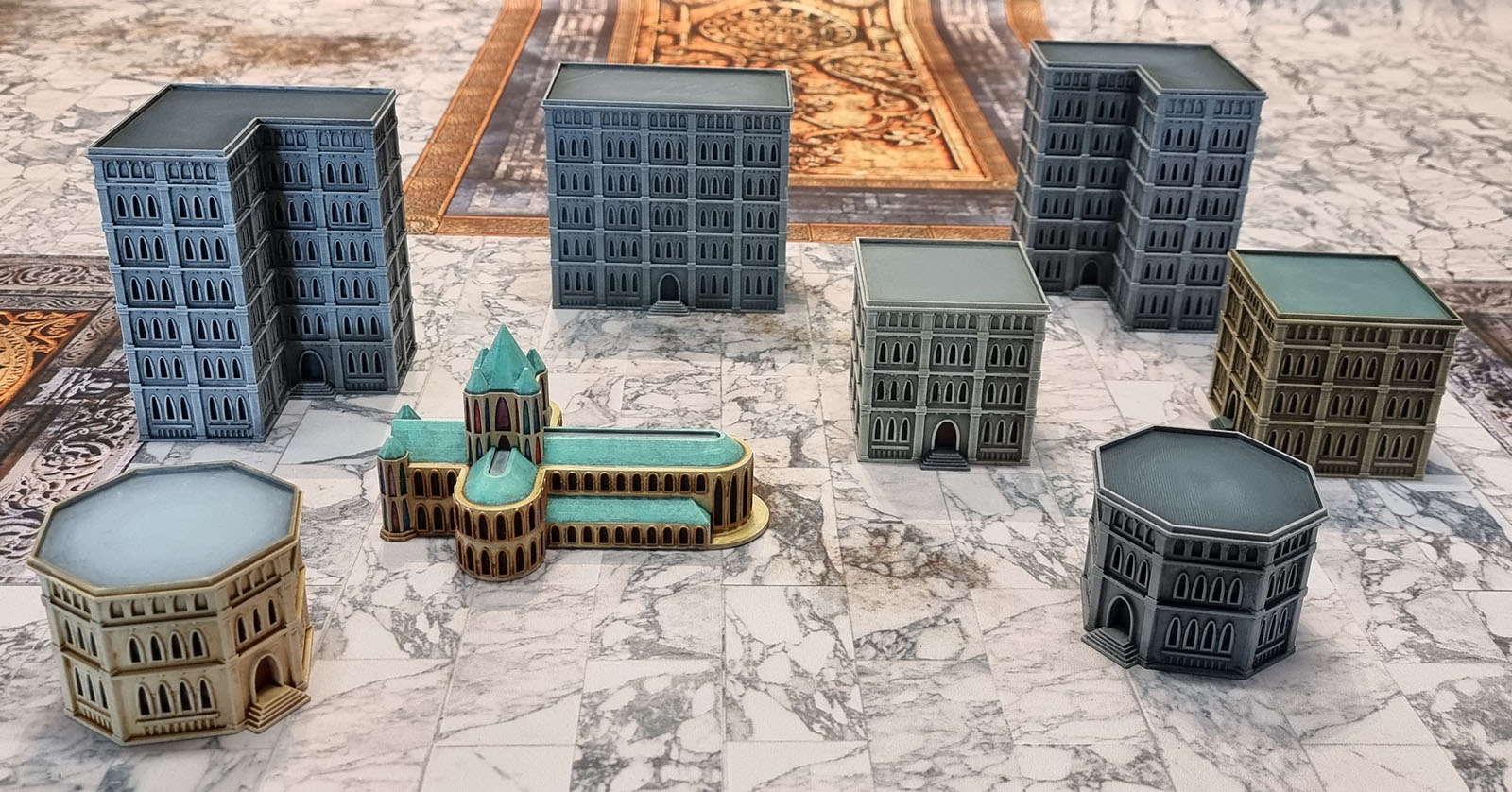
Today we have a bunch of painted prints completed throughout the month of May. Typically they would be posted up over the course of the month more or less as I completed them, but given that we’re nearing the middle of June, I’m just stacking like with like so I might have a chance of catching up to posting models shortly after finishing them.
These are (mostly) all paid STLs from Wargame Forge over on MyMiniFactory.
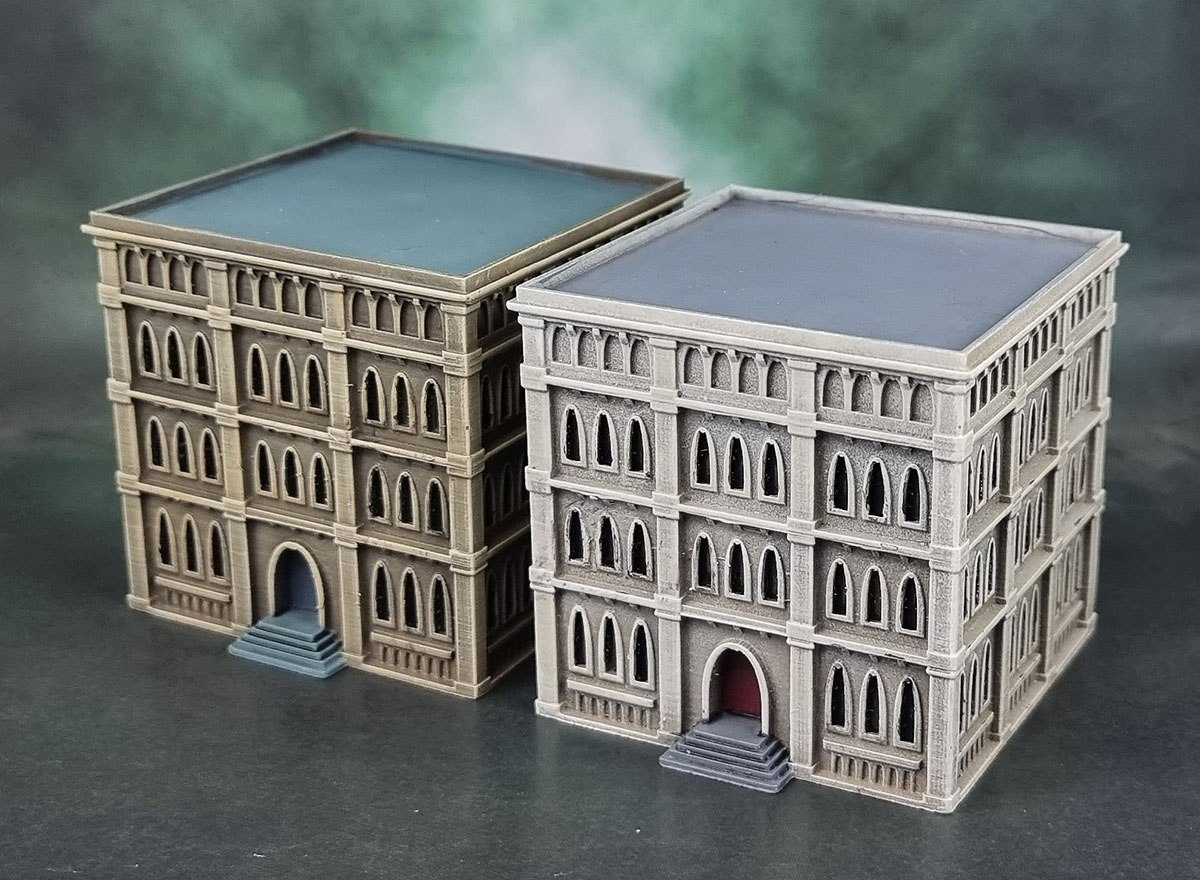
First up we have two more of the Free Gothic Building Test that I’ve printed and painted before. I painted both of these as test models to see how different settings for layer height and infill would work out.
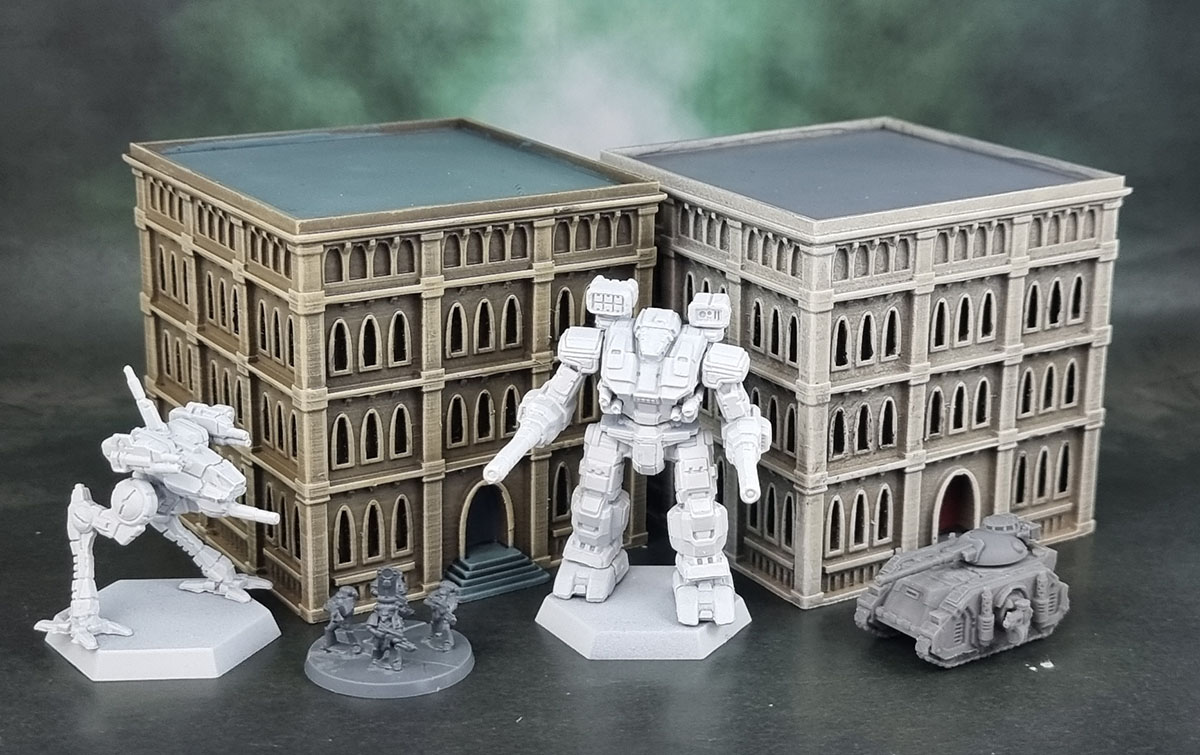
While both prints were steps on the path to working out how I now prefer to print these, they were both certainly good enough to throw some paint onto and slap onto a table.
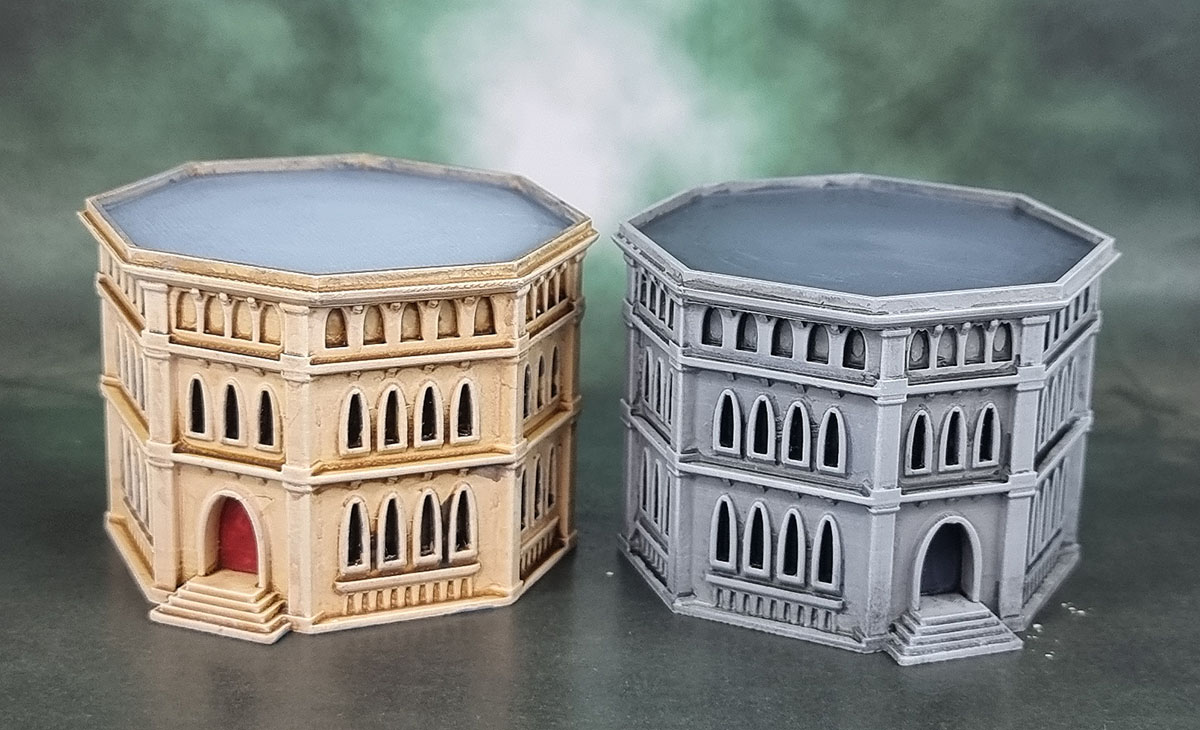
This next pair are “G125” – a relatively small building that will work well as the kind of terrain piece that I can easily print a fair few of for a table.
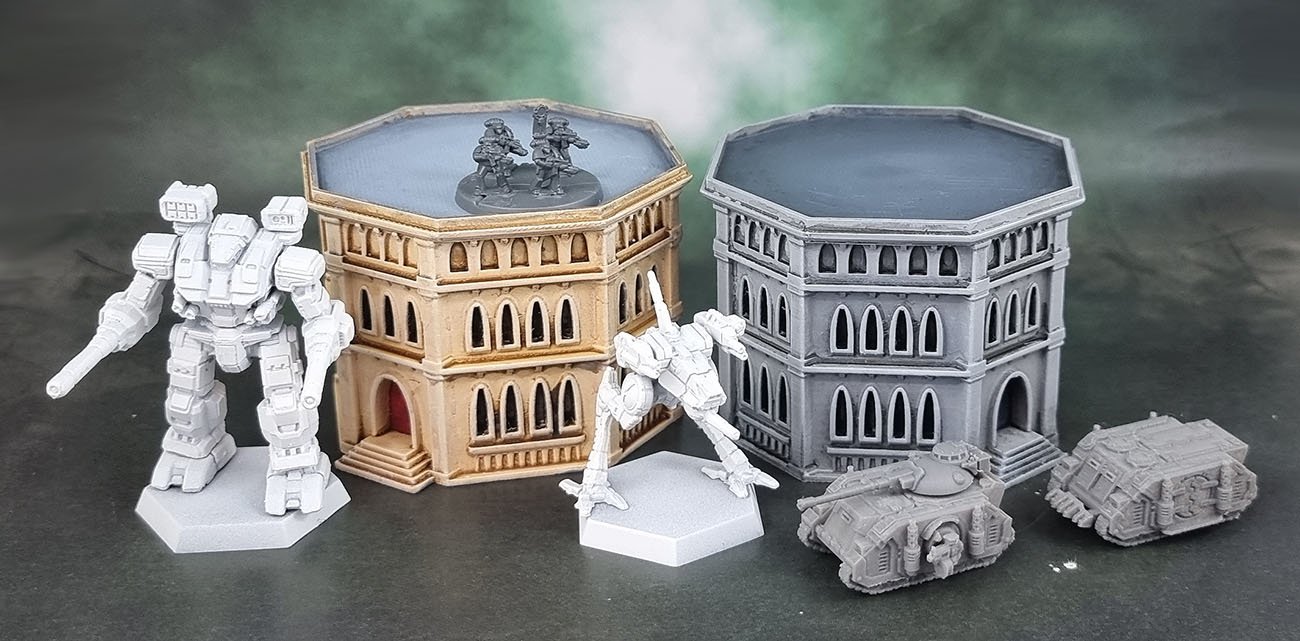
This is just the first pair of these. I feel like they look quite good scaled alongside the models here. With any of these buildings I purchase I feel like I really should print at least a pair of each, and in some cases I can do more. But we’re still in the early days here.
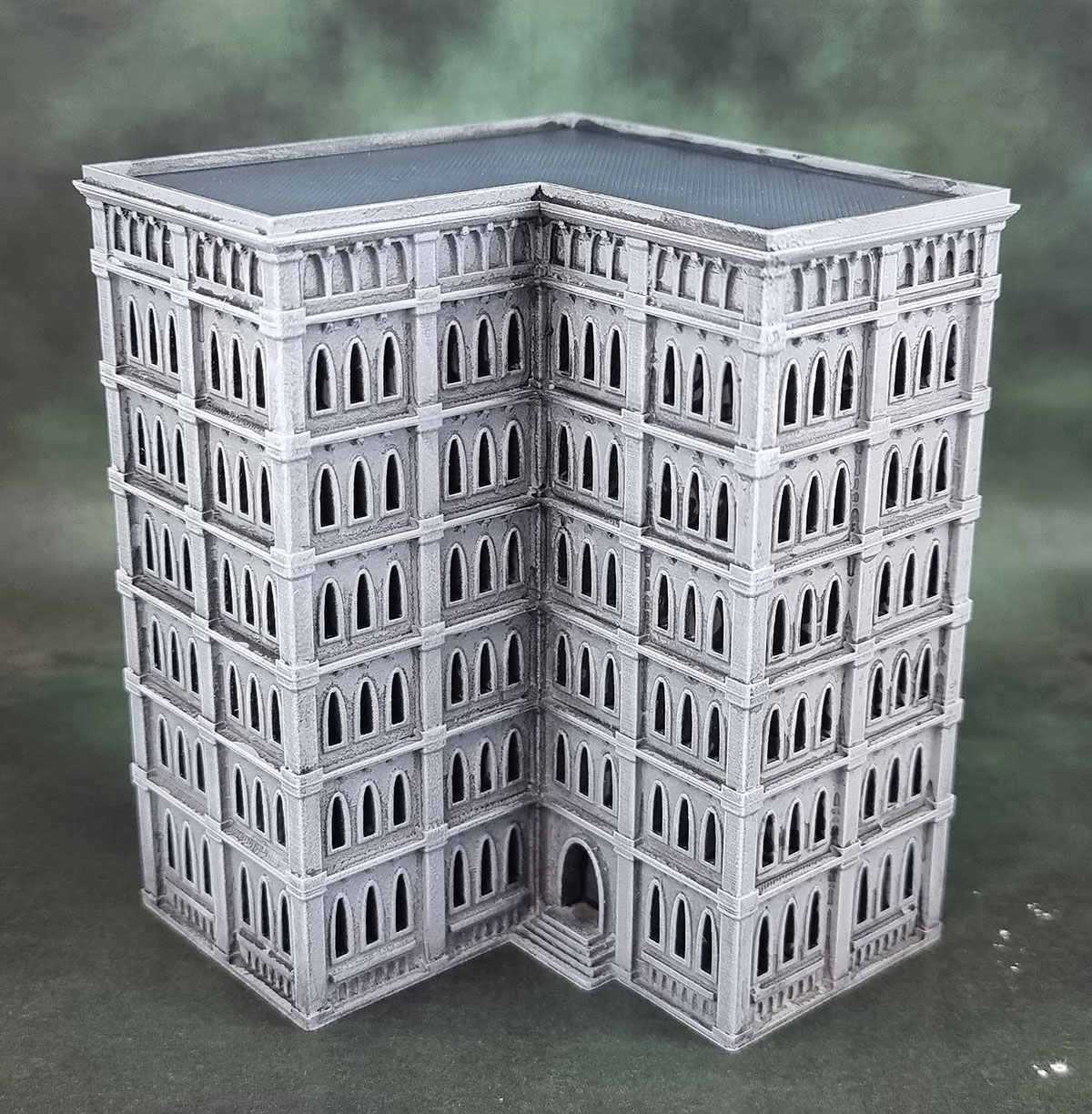
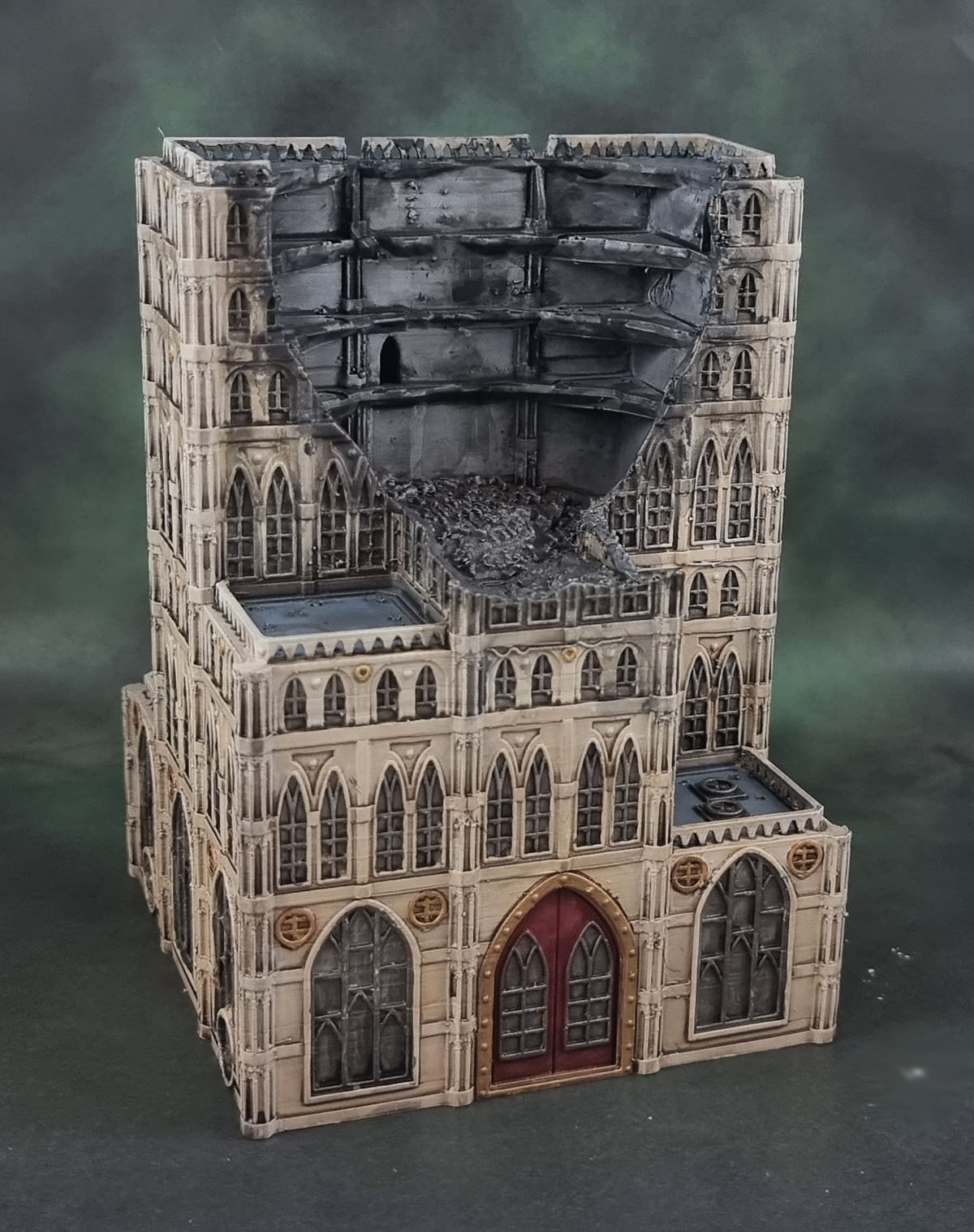
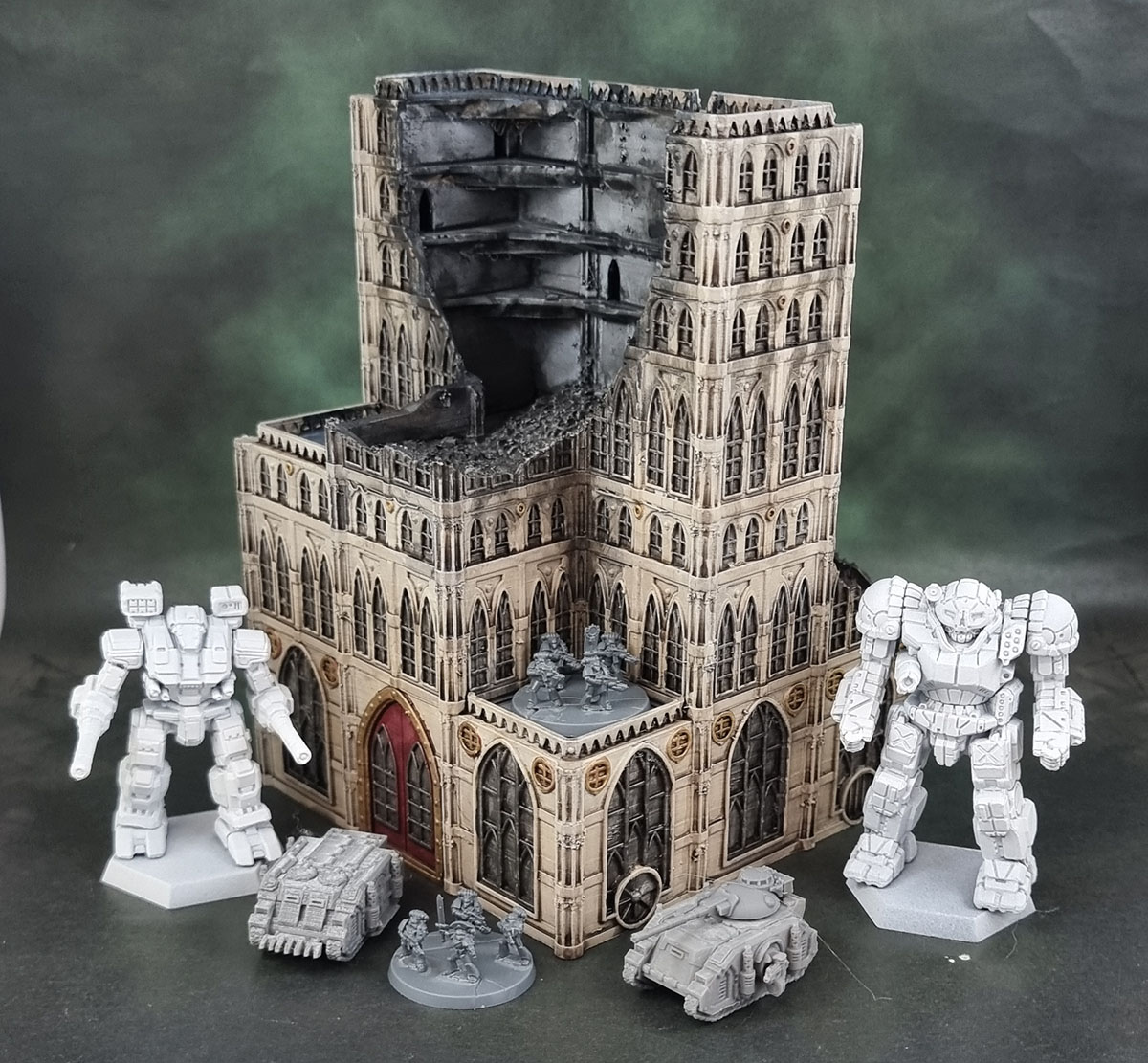
I picked up this next one, “G081” as it hits a bit of nostalgia that I have for the card buildings that came with the first edition of Space Marine – in feel if not exactly the same on the building’s shape.
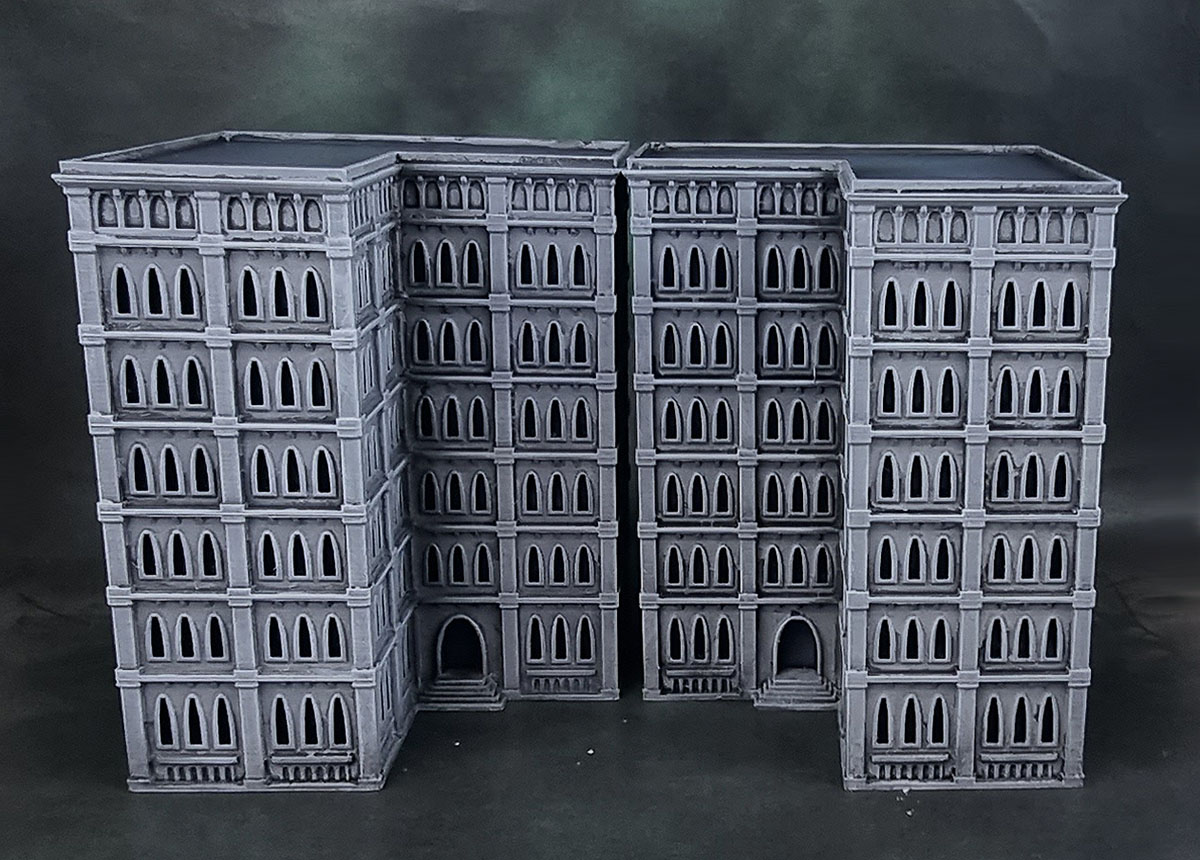
Any buildings that give a different variation via the “mirror” feature will of course be the recipient of a second, mirrored print. This city won’t build itself!
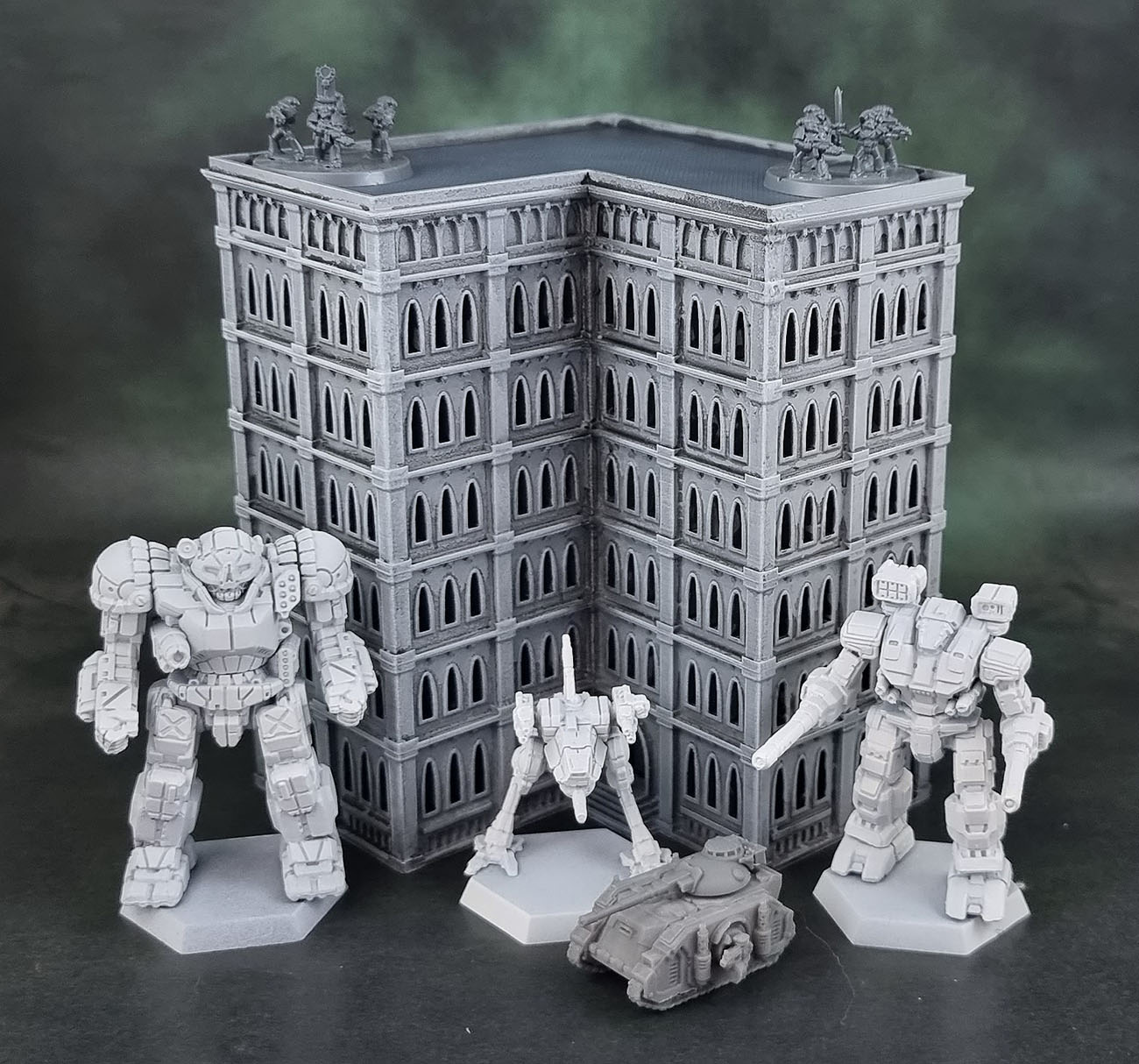
This particular building is a good size and I think will work well as a LOS blocker, but also I think enhances the visuals of the stompy robots and tiny tanks. My main criticism of these buildings is that each slight variation (3 storey, 4 storey, 5 storey, etc) is an additional, separate purchase – and then the damaged/destroyed ones are another purchase on top of that – so you just have to kinda pick a few and hope for the best in terms of size and how they all look together.
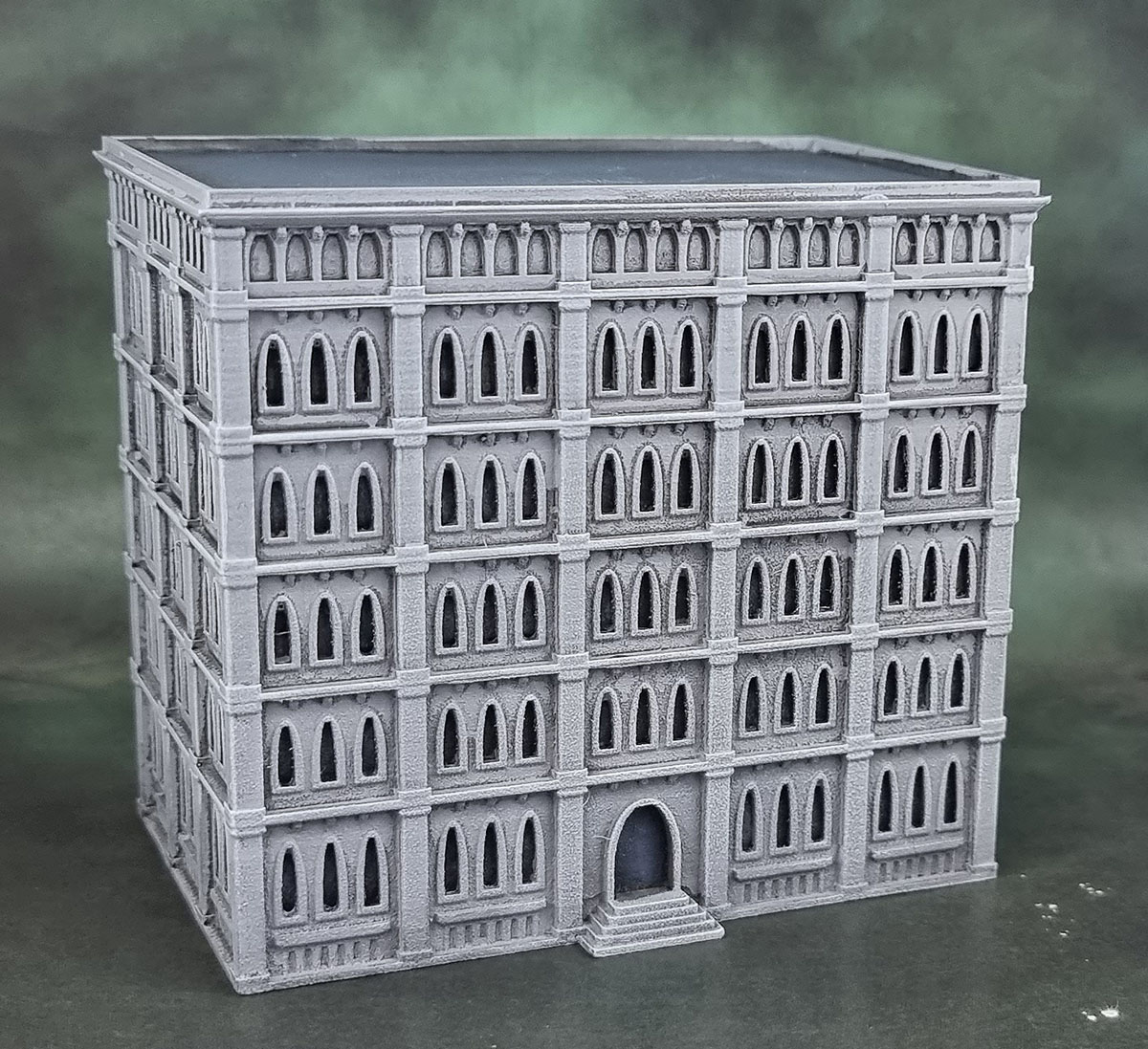
This one, “G112” is basically a big brick. It looks the part, at least. My can of filler primer spattered when I started on this one instead of the smooth coverage it usually gives. Ironically, this meant that the front of the building has a stony textured look that managed to get rid of most of the layer lines!
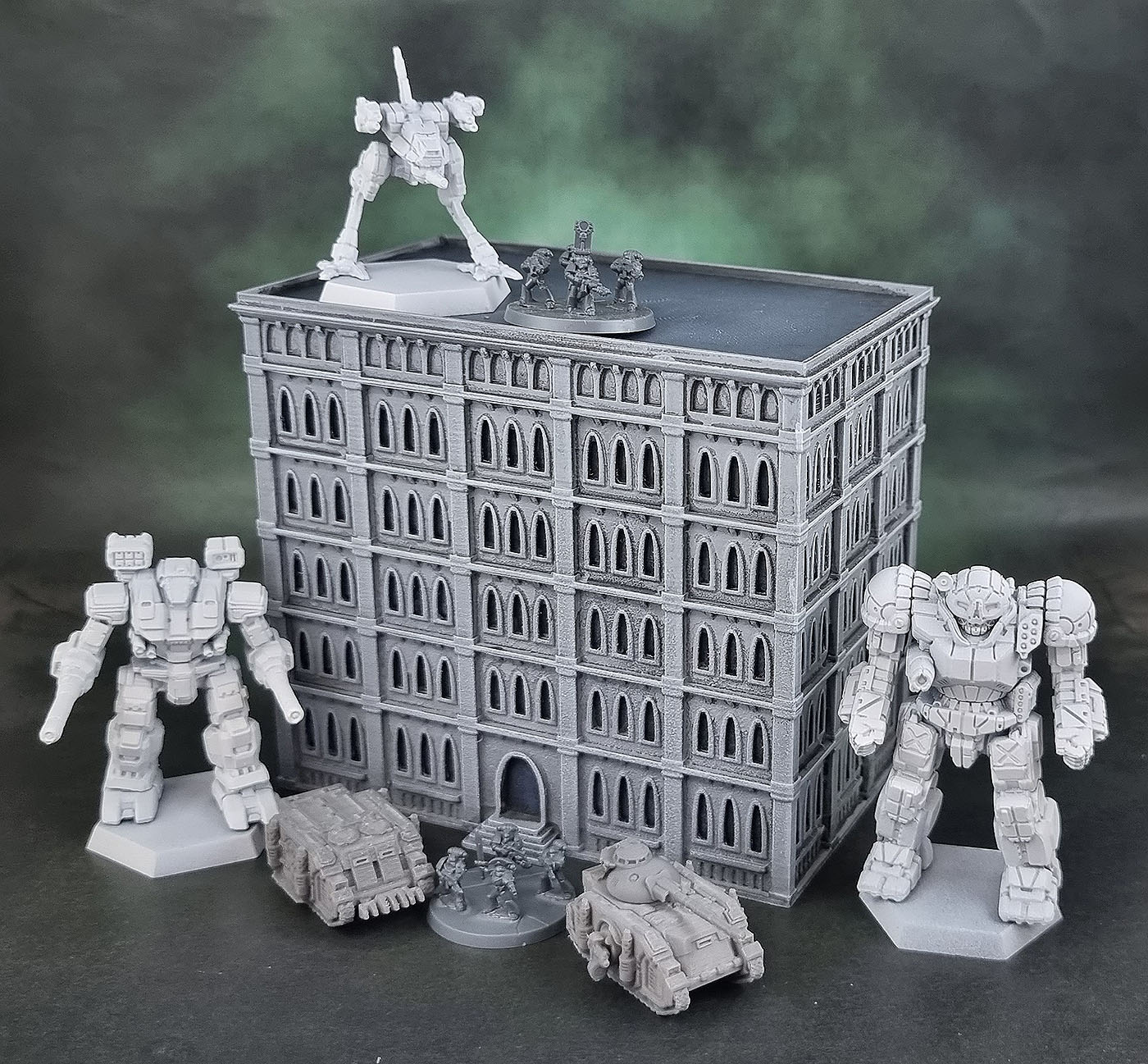
It should be kept in mind that these buildings and all of the printed terrain has the tabletop role of background to the stars that are/will be the painted minis. With this in mind, small errors in paint and subtle layer lines are – to my mind – forgivable. I do print these things as a finer (and therefore slower) resolution than is generally “recommended” for terrain, but as with all of the models that we paint, they need to find the sweet spot in what we’re willing to give them in time versus effort. As Tarmor said recently – you have to paint for yourself. And for me, with Flippy producing more plastic that needs paint around-the-clock, these buildings are very much the equivalent to the many, many zombies I churn out. They don’t have to look great individually – if they look good, then I’m happy because a table filled with them will look great.
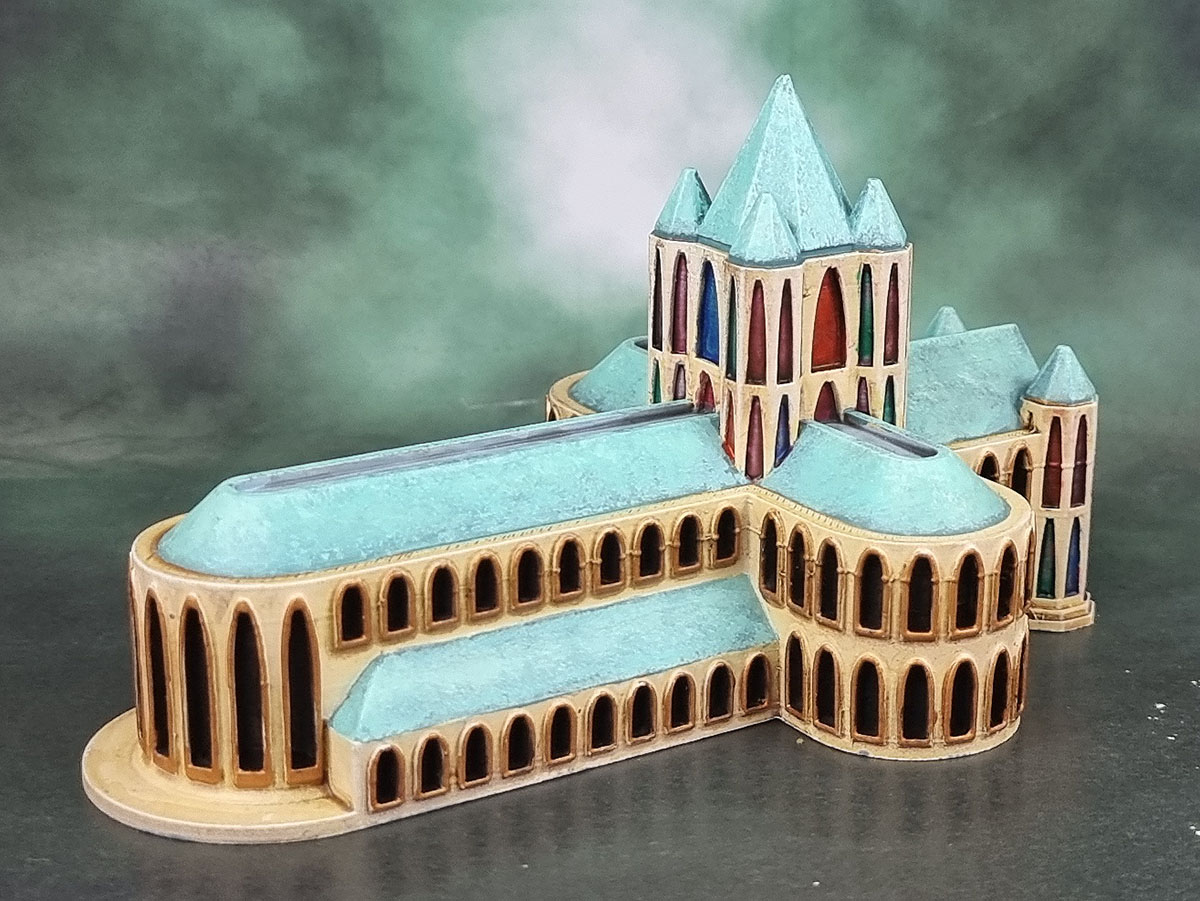
The last one of these for today’s post is this Gothic Cathedral – G029. It’s certainly not the fanciest Gothic cathedral that ever had an STL file, but it cost three bucks and printed in a couple of hours, so no complaints here as it certainly doesn’t preclude me printing something much more impressive. (Spoiler: I’ve already printed more impressive ones, just need to clean up the prints and then actually paint them!)
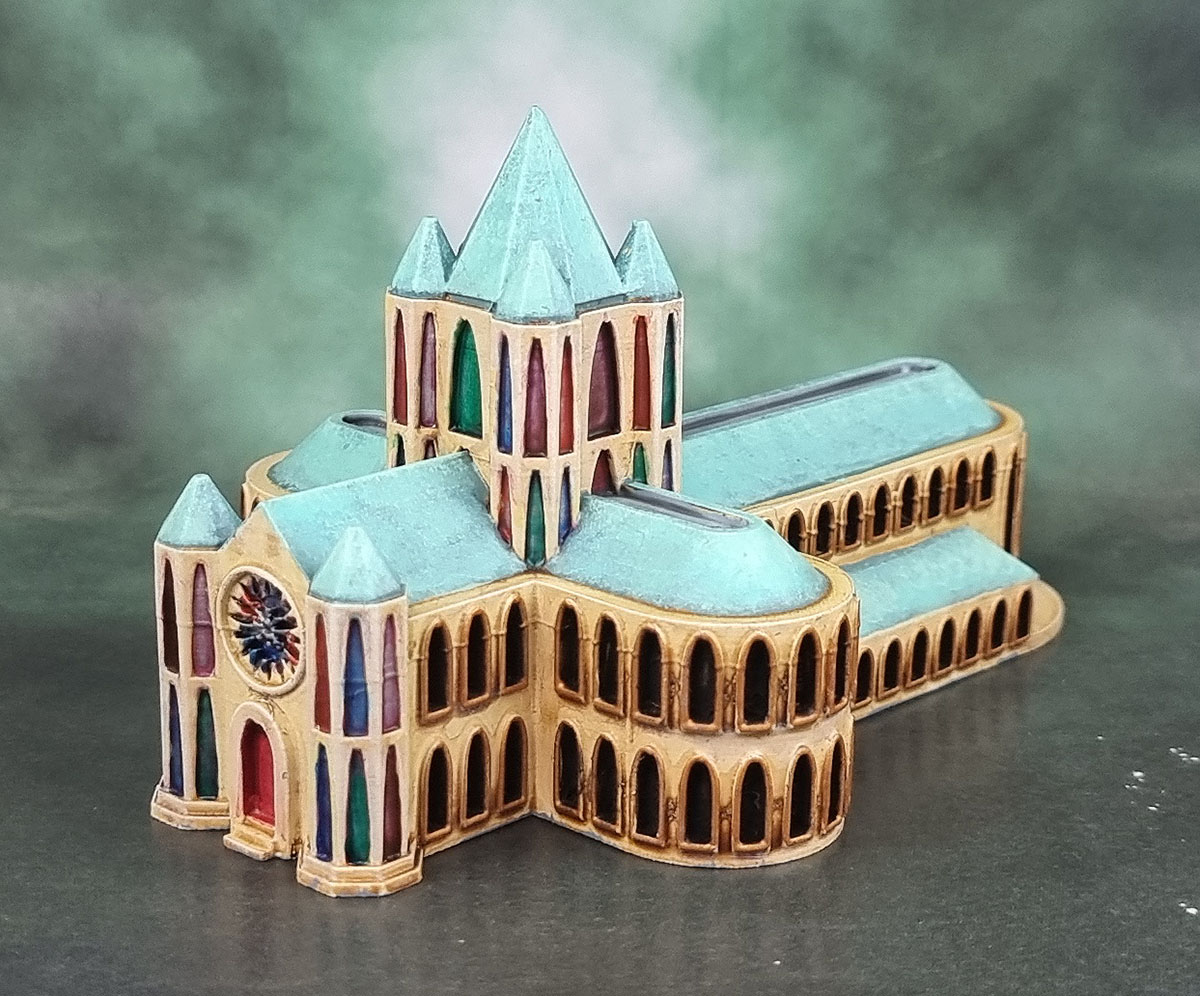
I wasn’t sure at first how to paint in the “stained glass” windows. We already kind of have “yellow” via the “Sandstone” and “blue” from the verdigris roofing. In the end I just painted them in solver and went over them with a variety of thinned transparent paints. Oh – I think I forgot to paint in the silver and gold on the large round stained glass window. I guess that’s now a job for this coming weekend!
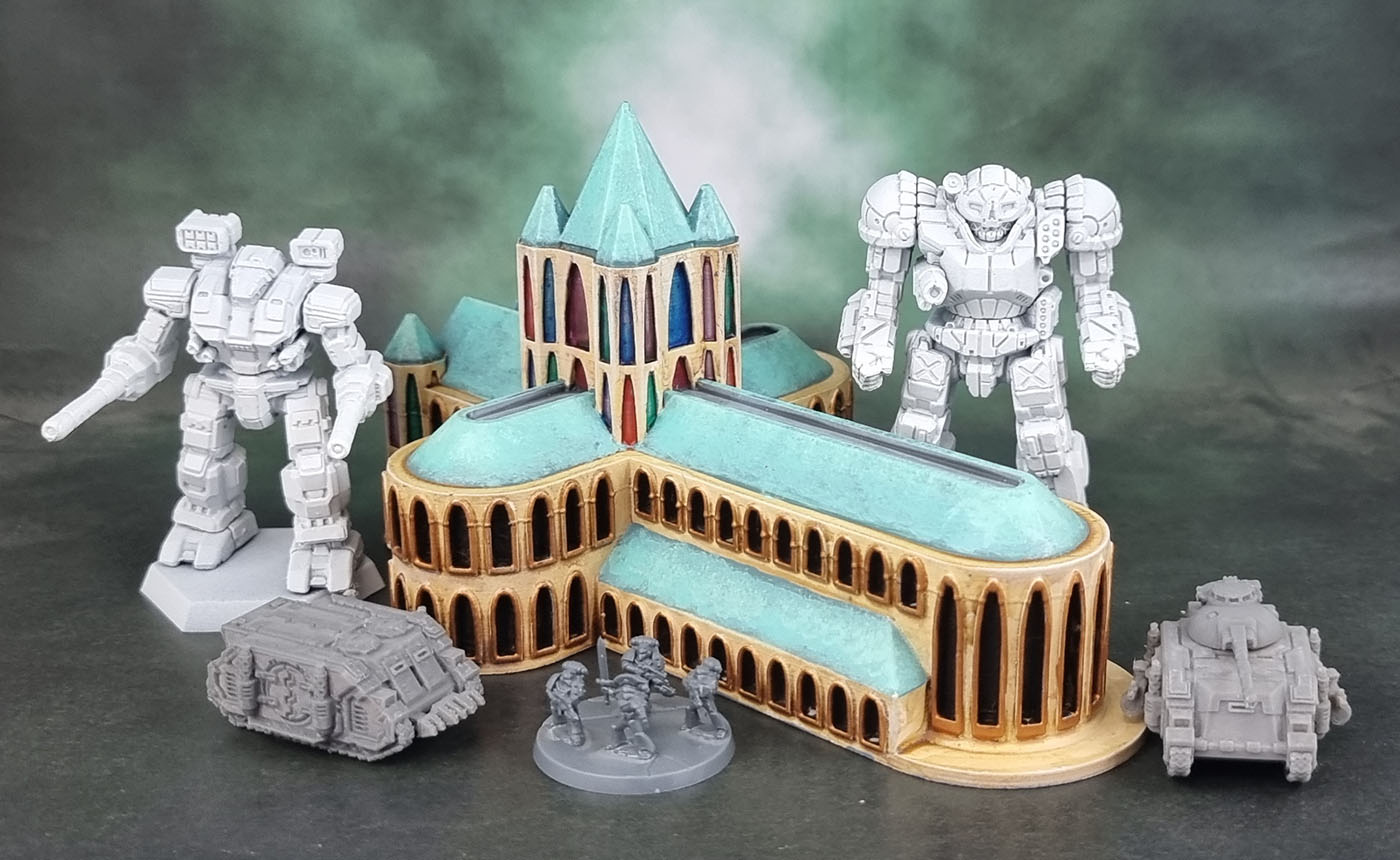
When placed alongside the mechs and minis, it actually looks a bit underscaled. More so than the buildings, even (and if you think about it, those buildings are severely underscaled as well compared to even a Space Marine and certainly a tank. I don’t currently have a second one of these printed. Maybe one at 150% or even 200% would look better!
Anyway, that’s it for now – I showed all of these buildings alongside some minis in order to show their size for anyone who might be having the same “huh, how big IS that one? questions in the future. At the moment, I have a fair few more of these printed and WIP in the painting queue, and a few more still unprinted – so you can look forward to seeing more Wargame Forge buildings again in the future.

 Azazel's Bitz Box.